
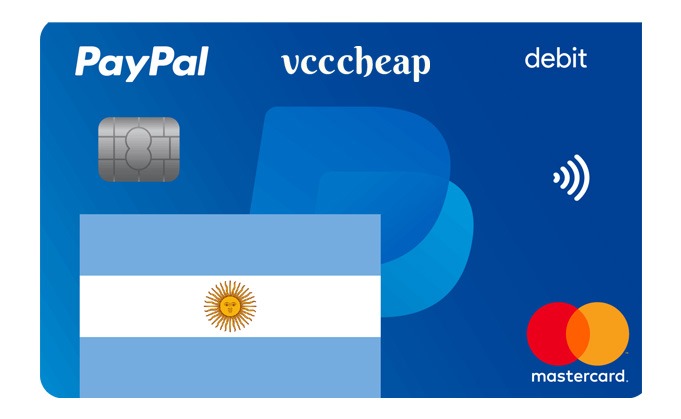
VCCCheap PayPal VCC Argentina is a convenient digital payment solution designed for eligible online transactions and supported PayPal-related services in Argentina.
This virtual card provides a simple digital payment option for customers who need a virtual card for supported transactions.
Key Features:
1. Argentina PayPal Support: Designed for eligible transactions involving supported Argentina PayPal services.
2. Fast Digital Delivery: Receive your virtual card details digitally after successful order processing.
3. Secure Virtual Card: Convenient digital alternative to a physical payment card.
4. Easy to Use: Simple virtual card solution for supported payment services.
5. Convenient Payment Solution: Suitable for eligible online transactions.
Delivery Information:
Your virtual card details will be delivered digitally to the email address provided during checkout according to the applicable processing time.
Orders may be processed quickly when available, while some orders can require additional processing time.
Bulk Orders:
Contact VCCCheap support for applicable bulk-order pricing and availability.
Important Information:
• This product is intended for supported Argentina PayPal-related transactions.
• Card acceptance depends on PayPal, the merchant, payment service and card issuer.
• Additional authentication or verification may be required.
• Transaction limits and restrictions may apply.
• Not every PayPal account is guaranteed to accept every virtual card.
• Use the card only for legitimate and authorized transactions.
• This is a digital product. No physical card will be shipped.
Card Information:
Depending on the specific card product, applicable details may include:
• Card Type
• Virtual Card Number
• Expiration Date
• Security Code, where applicable
• Applicable Card Balance or Transaction Limit
How It Works:
1. Purchase the VCCCheap Argentina VCC.
2. Complete your order and any required verification.
3. Receive your virtual card details digitally.
4. Add or use the card where supported.
5. Complete any authentication required by PayPal or the applicable payment service.
How to Add a Card to PayPal:
1. Log in to your PayPal account.
2. Open your Wallet.
3. Select the option to add a card.
4. Enter the applicable virtual card details.
5. Follow PayPal’s instructions.
6. Complete any required authentication or verification.
Important:
PayPal determines whether a particular card can be added or used with an account. Card acceptance is not guaranteed.
VCCCheap Virtual Card
This is a digital/virtual card product. No physical plastic card is shipped.
Thank you for choosing VCCCheap.




Reviews
There are no reviews yet.